
Get Item Name with Reaper Script
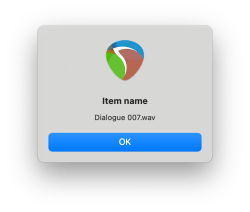
Last time we learned how to display the information stored in variables with the reaper.MB statement. Now let’s examine how to obtain the name of a Reaper media item.
In the ReaScript API there are three statements we will use to obtain the item name:
< reaper.GetSelectedMediaItem (project number, selected item number) >
< reaper.GetActiveTake (item itentifier) >
< reaper.GetTakeName (take identifier) >
In Reaper, Lua uses identifiers for each media item, and it uses identifiers for each take within each item. The statement reaper.GetSelectedMediaItem returns an identifier, which we can capture in a variable. I like to name that variable: item.
The current project number is zero. I only intend this script to run in the current project, so I use zero here. If more than one item is selected, the first item is also a value of zero. It’s possible to work through several selected items by iterating that second number, but that can get complicated. For this script, let’s assume no more than one item is selected. Warning: if no item is selected, the evaluation will return nil. And we can check for that later*, but for right now, let’s start by assuming one, and only one item is selected. We could code that as:

The variable item is an identifier, not a name made of letters, numbers, and such. Since an item can contain more than one take, an item could be connected to more than one audio file. In order to name only one audio file, we need to specify only one. This puts us in a multi-step process to progress from media item identifier, to file name. The statement reaper.GetActiveTake uses the identifier stored in our variable named item to return the identifier of the active take in our selected media item. We could write it like this:

The identifier in our variable named take is connected to a single audio file. So with this step we’ve obtained a specific enough identifier to our selected media item to connect it with one audio file. And like the variable item, the variable take is an identifier, not a name made of characters. One more step is needed to obtain the name from the identifier, and we use the statement reaper.GetTakeName for that:

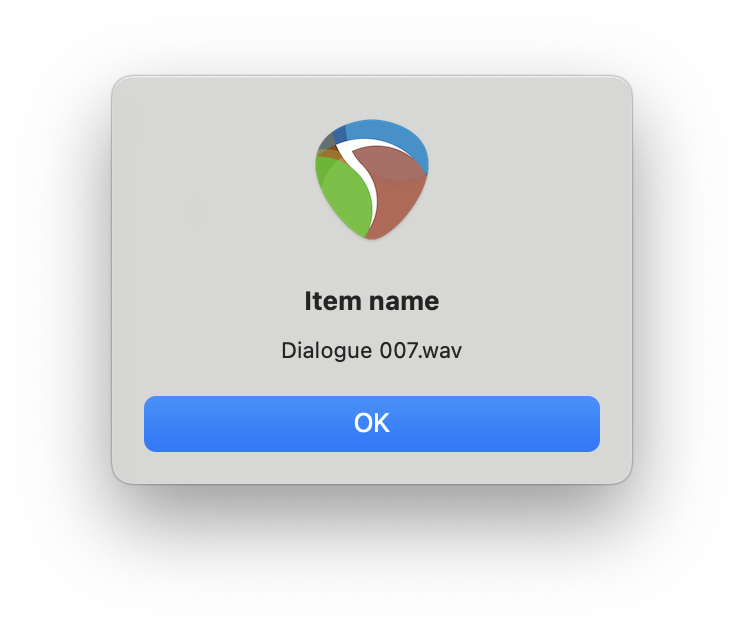
If we use reaper.MB (full_take_name, “Item name”, 0), and the item is named “Dialogue 007.wav” this will be displayed:
* Here’s the code I wrote to check if there is a Reaper media item selected, or not:
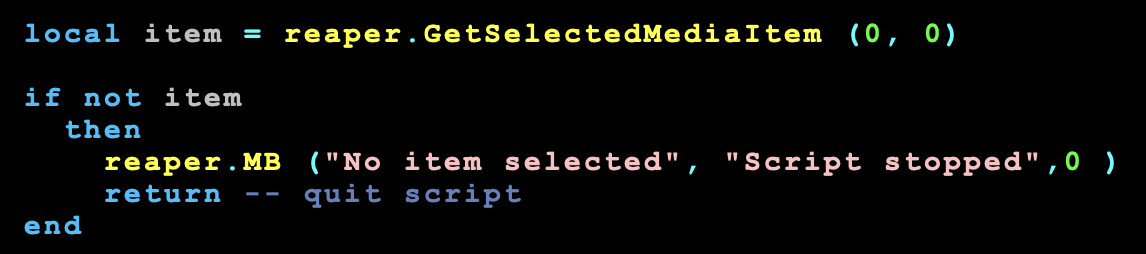
In the next post, we learn about the if statement above, and also how to separate the name “Dialogue 007” and the extension “.wav”.
POSTS IN THIS SERIES
Beginner’s Guide to Reaper Script
Get Item Name with Reaper Script (you are here)
Separate an Extension Like .wav from Item Name with Reaper Script
Get File Name with Reaper Script
Rename File with Item Name including Version Control in Reaper Script (pending…)
 Randy Coppinger
3 Comments
Leave a CommentTrackbacks