
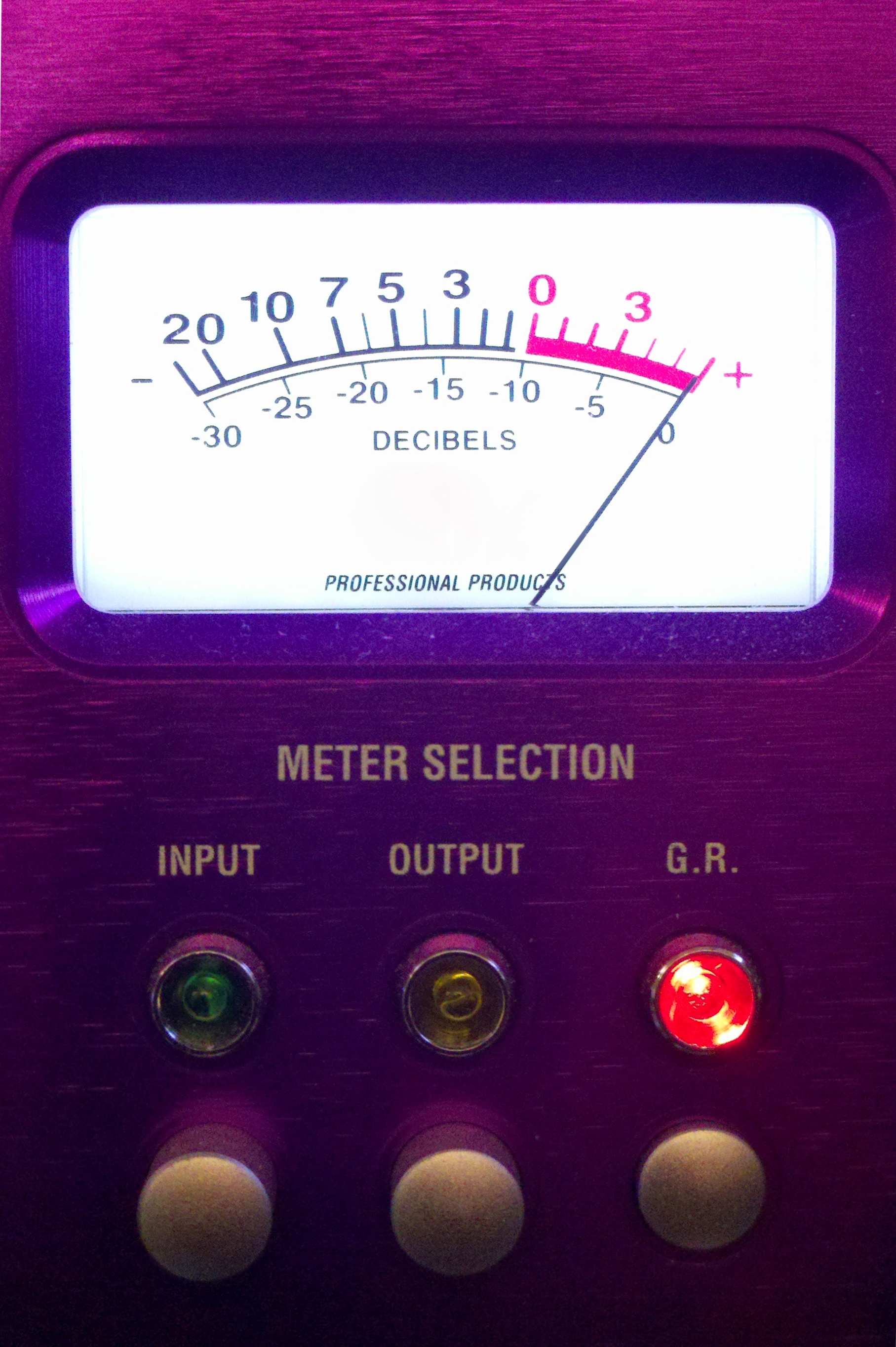
Focusrite makes the Red 8 microphone preamplifier which was the Day 3 meter.
Today’s meter is also from a preamp — one of my all time favorites.
Go ahead, leave a comment; tell us who makes the unit that features this meter.
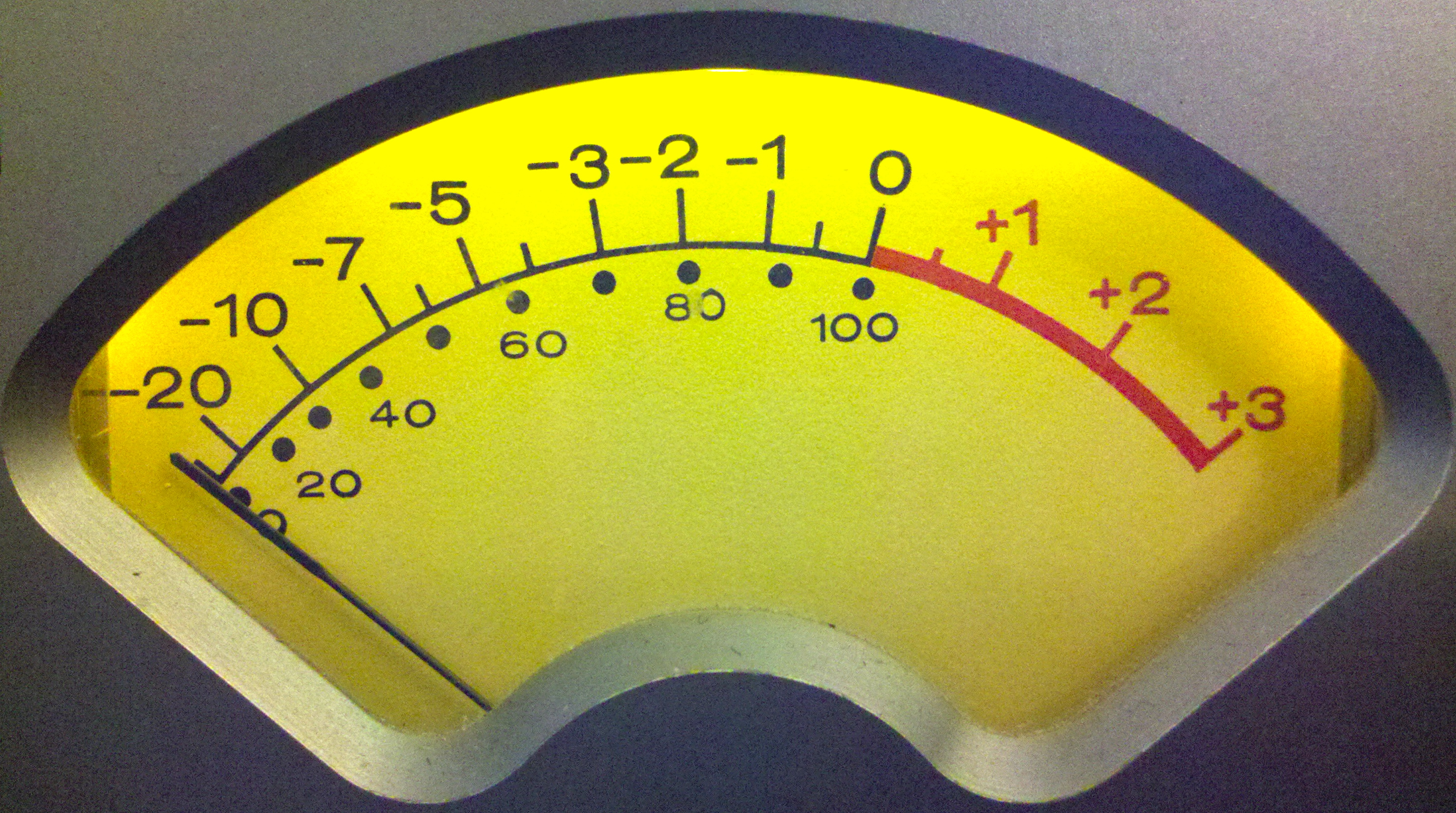
The Day 2 meter was brought to you by Summit from their fabulous DCL-200 compressor-limiter.
Another distinctive meter today. It looks like I got this pic dialed in just right. Well, it’s not too blurry.
If you think you know which company is responsible for putting this meter on the front, or would like to guess, leave a comment.
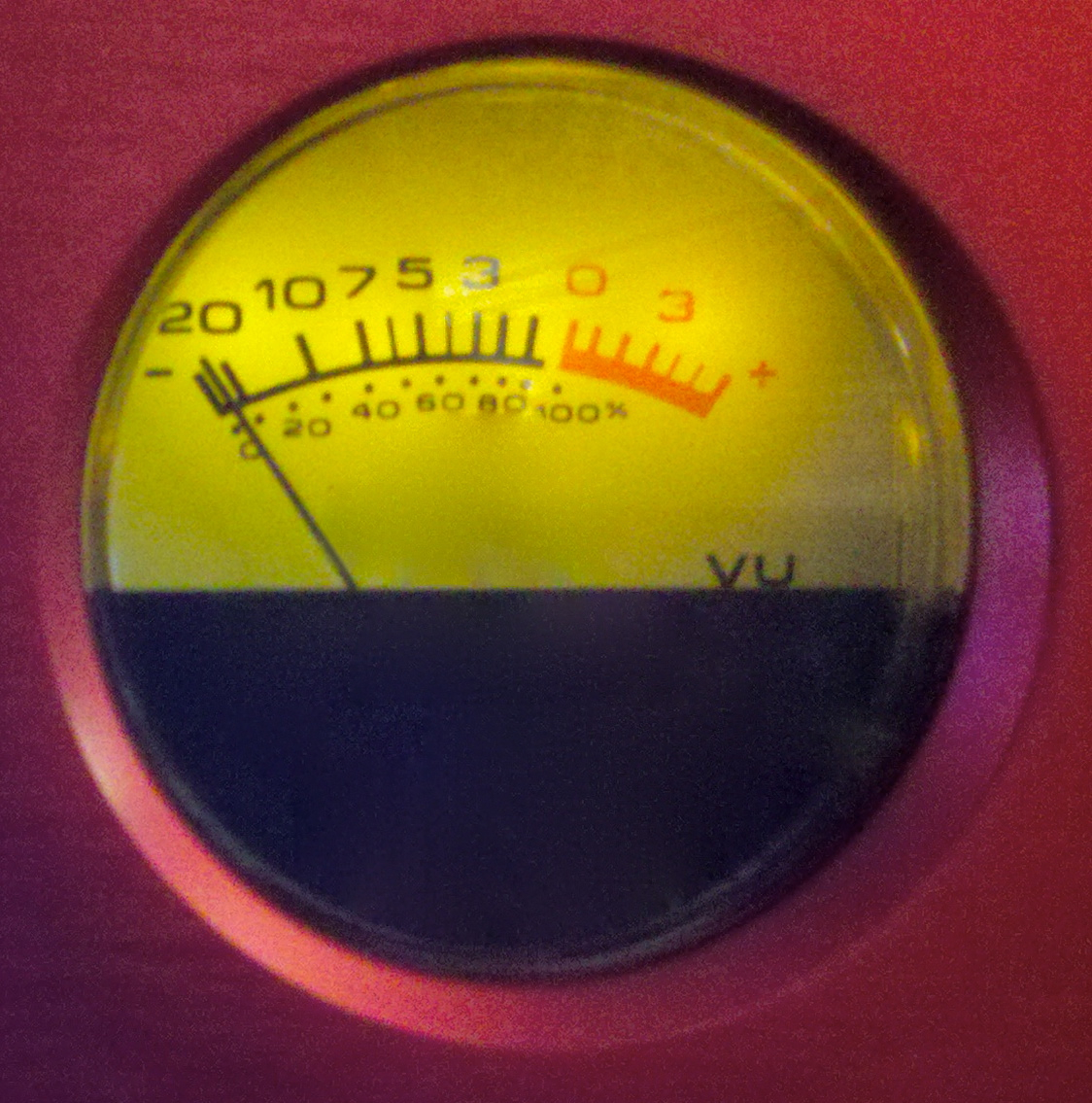
Yesterday’s meter was brought to you by dbx. Specifically, that was the dbx 162 featuring OverEasy compression.
Today you get TWO meters. Hopefully that will peak your interest.
If you think you know which company makes the unit with these meters, or would like to guess, leave a comment.
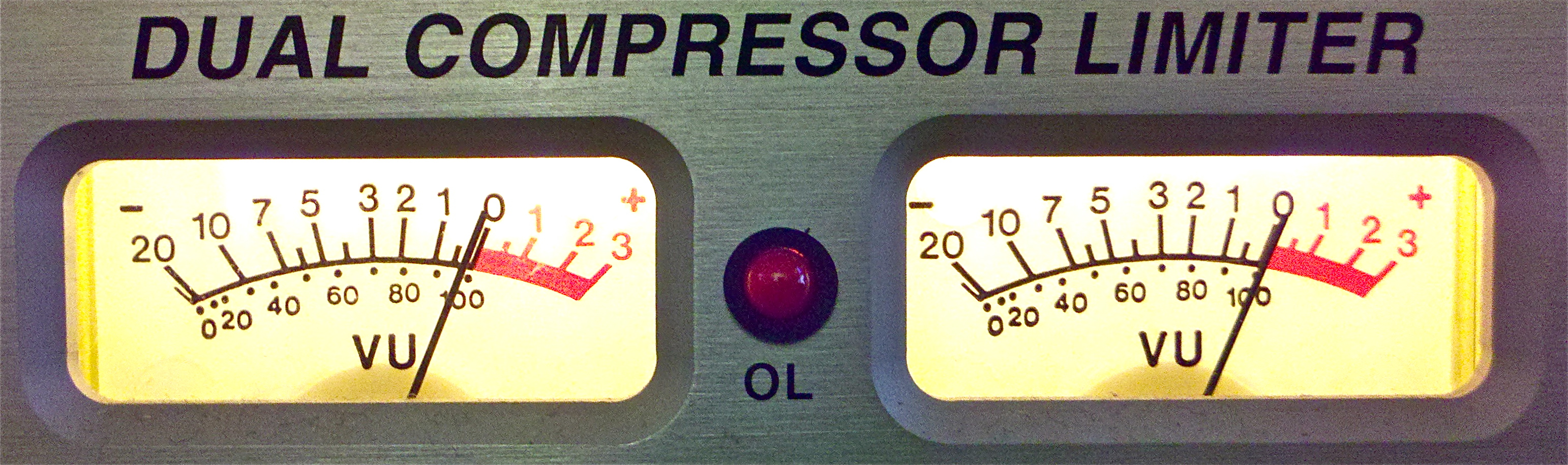
This is Thanksgiving week in the US and lots of folks here are taking time off work/school to be with family, eat and be thankful. Swell.
I thought it might be fun to post pics of some distinctive VU meters, both for their visual appeal and to find out how recognizable they are. Let’s start with an easy one. Or should I say over easy?
If you think you know which company makes the gear that features this meter, or would like to guess, leave a comment.
The Neumann u87 microphone is commonly used for voice recording. People looking to cut costs have compared many lower priced microphones to it, such as the Studio Projects C1. Just how similar are these two, especially on voice?

I think the Studio Projects C series microphones offer impressive bang for your buck. That’s why I bought an LSD-2, which is a stereo version of the C3, which is the multi-pattern version of the C1. It’s no surprise these three mikes have nearly identical cardioid profiles.
Back in July we had Mae Whitman in the studio and she was kind enough to voice both mikes at the same time for this comparison. Each time we hear the u87Ai first.
Feel free to download and listen to the full bandwidth file on some decent speakers.
Ever hear of that old trick where you stop P-pops with a pencil? Mae was probably just taking that to an extreme.
The frequency plots of the LSD-2 and u87Ai look similar. In use these two do sound much the same. Whereas the Studio Projects mic has more high end (to the point of getting strident at times) it also seems slightly less full on bottom. The hyped top end tends to exaggerate mouth noise and sibilance. Lower priced mikes are not known for accurate off axis response, so I’m not surprised to hear a bit more room from the Studio Projects mic than the Neumann. For some voices these differences will be subtle, like we hear with Mae. On others the differences could be more noticeable.
I don’t think we’re going to fool many people using a Studio Projects C series mic as a replacement for a u87. But for roughly 1/10th the price a C1 provides some of the same flavor. Good to know.
Technical Details of the Comparison
Both mikes recorded at the same time (same take). Acquisition chain: u87Ai (cardioid, no pad, no rolloff), LSD-2 (cardioid, no pad, no rolloff) both to Focusrite Red 8 to Apogee PSX-100. Recorded 24bit, 48k Hz and level matched in ProTools by ear. 100 Hz low rolloff (18dB/ octave) applied in ProTools.
I used the large Kensington Turbomouse trackball for 16+ years. I’ve seen some cool mice and other devices but always gone back to that big trackball because:
(1) I could go to any location on a screen without having to lift my hand,
(2) It stayed in one place (especially important for keyboard trays), and
(3) The four buttons were programmable, letting me do more without having to change to the keyboard.
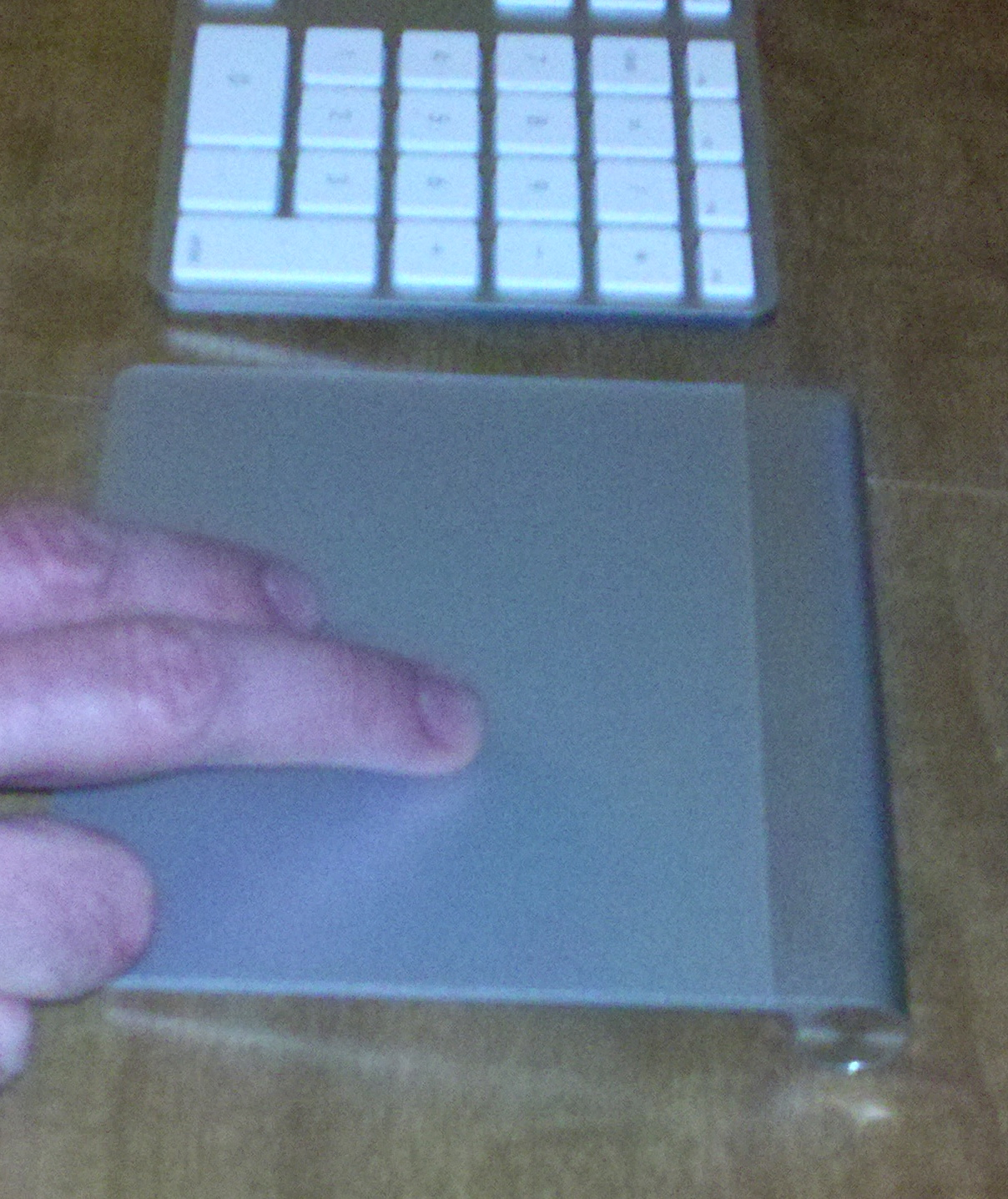
Well I took half a look at the Apple Magic Trackpad and knew I finally found my trackball replacement. It’s a 4.25″ by 5″ conductive metal pad that runs on batteries and connects via bluetooth. Combined with Lion, the Trackpad allows you to gesture. With one finger it behaves like a mouse. With two fingers it scrolls. Not only can you pinch with two fingers to zoom, you can pinch with four fingers (think thumb, no pinky) to call up Launchpad, a collection of all of your applications.
Unlike the iPad, these gestures are not completely supported for all applications. For example, Safari will zoom in/out via gesture but Firefox will not. I’m holding my breath for a track pinch-zoom in ProTools, not found in version 10. Yet.
I can’t seem to program any custom gestures, but it’s so intuitive and quick I don’t really care. If you find yourself near an Apple Store, check out the Magic Trackpad. It lives up to the name.
I got some great feedback from my friend Kevin McClanahan on a previous post about Media Storage. He re-framed the issue in terms of two hot topics in storage right now: Business Continuity and Disaster Recovery. These ideas can be scaled from a lone freelancer to a multi-national company.
“Business Continuity is basically a redundant system in case your current system dies. That could be as simple as a copy of the data local to the user to a much more robust solution including offsite backups that can be recovered very quickly. Depending on the users/companies needs the backup could be a second hard drive stored at the users home vs office or a much more robust solution mirroring the users system in another building on the complex for example. This protects against situations like isolated fires, etc.”
“Disaster Recovery is more geared toward situations like the tsunami in Japan.” In the event of a massive disaster, a California based company might use, “mirrored storage in Las Vegas (different tectonic plate) to ensure that someone would be able to get all of the west coast back online within a day or so.”
“Again all of this depends on the users situation, but if they are making a business out of this, they should consider these things at least for a moment.”
See also Rob Schlette’s excellent article 5 Steps for More Dependable Hard Drives at theProAudioFiles.com.
Four different approaches I have taken for lighting a music stand / script stand.
1. Cringe
Good: Center of stand is well lit. Simple to find replacement bulbs. Burly.
Bad: Limits mic placement. Sympathetic vibrations get into mic. May reflect sound into mic.
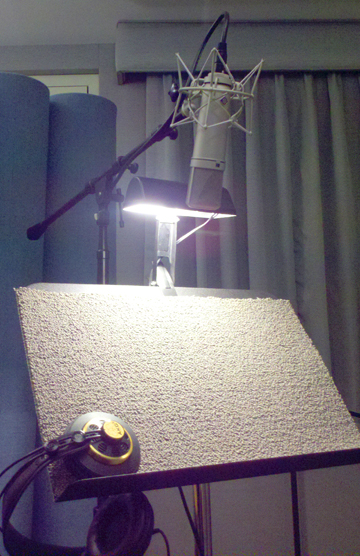
2. Okay
Good: Simple to find replacement bulbs. Burly. Less likely to limit mic placement.
Bad: Stand not evenly lit. Sympathetic vibrations get into mic.
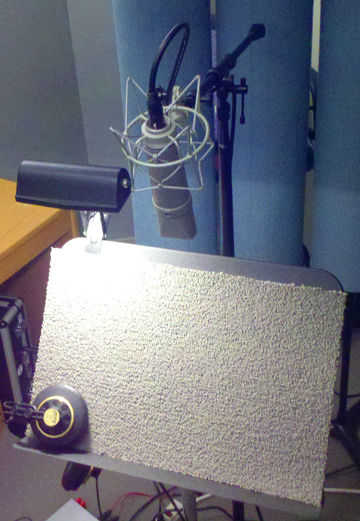
3. Like
Good: Unlikely to limit mic placement. Too small for significant vibration or reflection.
Bad: Stand not evenly lit. Easier to break. Bulbs more difficult to source.
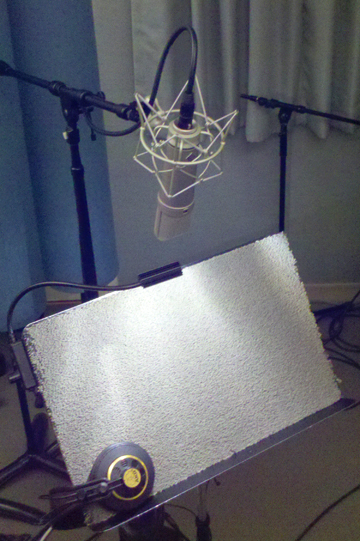
4. Love
Good: Nice light distribution. Highly unlikely to limit mic placement. No significant vibration or reflection.
Bad: Easier to break. Bulbs more difficult to source.
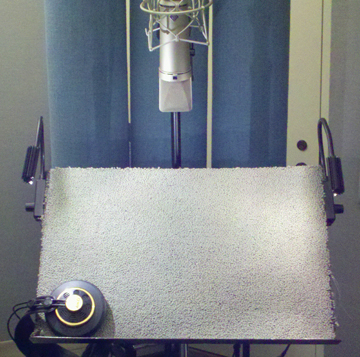
See also: 10 Voice Recording Essentials
When we previously looked at a few techniques for applying rolloffs I suggested that cascading a series of several might be helpful. I use a specific strategy for sounds I want to really sculpt. But for comparison sake, let’s start with an ordinary method.
I like to use low rolloffs (high pass filters) to remove low frequency information I don’t need. I will often start by applying a simple 6dB per octave rolloff and move the corner frequency higher and higher until I hear it start to cut stuff I want to keep. I’ll adjust back down until it’s just below the spectrum I want to hear. But I often find that it doesn’t remove enough below the corner frequency. Most of the time I’ll simply increase the slope of the filter (12dB, 18dB, or 24dB per octave) until I get the desired result.

But for featured tracks — such as lead vocals — I like to keep the gentle 6dB slope and simply use it two more times below the first filter. Here’s how it works: I’ll set that first rolloff. Let’s say for this example I decide to stop at 80 Hz. Then I’ll add another rolloff in series after the first, set for half of the value, which would be 40 Hz in this example. Then I’ll add a third rolloff in series after the first two, set for 10 Hz below the second, 30 Hz in this case. Notice how the volume at the corner frequency changes very little but the lower left area under the white line trims back. The filter is quite steep at that third corner frequency: 30 Hz.
The combined shape of the three filters seems to cut significantly more than a single rolloff with a 6dB slope, but with smoother results than simply increasing the slope. This is especially helpful for filters that have a reciprocal rise above the corner frequency as the slope increases. If all you want to do is cut, and you want a gentle transition, these progressively lower corners on three cascaded low rolloffs work for me. Give it a try and let me know how it sounds to you.
At last year’s AES Convention in San Fransisco I attended a tutorial by Alex Case on getting the most from equalization. Compare these two techniques for using low rolloffs (high pass filters) on directional microphones:
(1) Plosives and wind are lower and need a steeper filter, such as 12dB per octave or more.
For vocals and voiceover I typically set my LilFreq low rolloff to 100 Hz. The slope on that rolloff is 18dB per octave. This technique works much better if you apply the rolloff BEFORE compression.
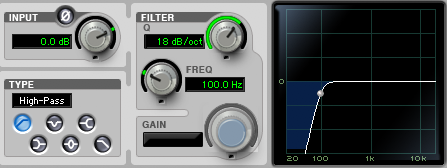
Rolloff to Minimize Plosives
(2) Proximity effect is higher and needs a more gentle slope, such as 6dB per octave.
Take the example of a subtle microphone rolloff: 125 Hz with a slope of 6dB per octave. This is a conservative filter that makes a noticeable difference when the mic is moderately close in cardioid. As you move closer and/or increase directionality (hypercardioid, figure-8) you may want to use a higher filter to compensate for the increased bass heard from proximity effect.

Rolloff to Minimize Proximity
Can you use these together? Absolutely! I will often engage a mic rolloff and feed that signal through the LilFreq rolloff set at 100Hz before analog compression. And if the microphone’s rolloff still didn’t back off the proximity enough, I may add another filter. Of course there are approaches other than EQ, such as mic placement (more distance) and pattern choice (less directional). Please don’t use these filter examples as recipes, rather let them inspire your strategies for dealing with problems. The key is to listen for plosives, wind and proximity effect then consider how these EQ techniques might help make things sound better. Happy recording.
See also: Cascaded Low Rolloffs
 Randy Coppinger